Atlassian Connection Setup
Use this page to gather the exact Atlassian credentials Vexly needs. Follow the steps below to create an API token and then paste it into Vexly.
What you'll collect
- API Token – long-lived credential for Atlassian Cloud products.
Start the Atlassian connection in Vexly
- In Vexly, open Connections.
- Click Add Connection → choose Atlassian.
- Stop on the empty Atlassian popup.
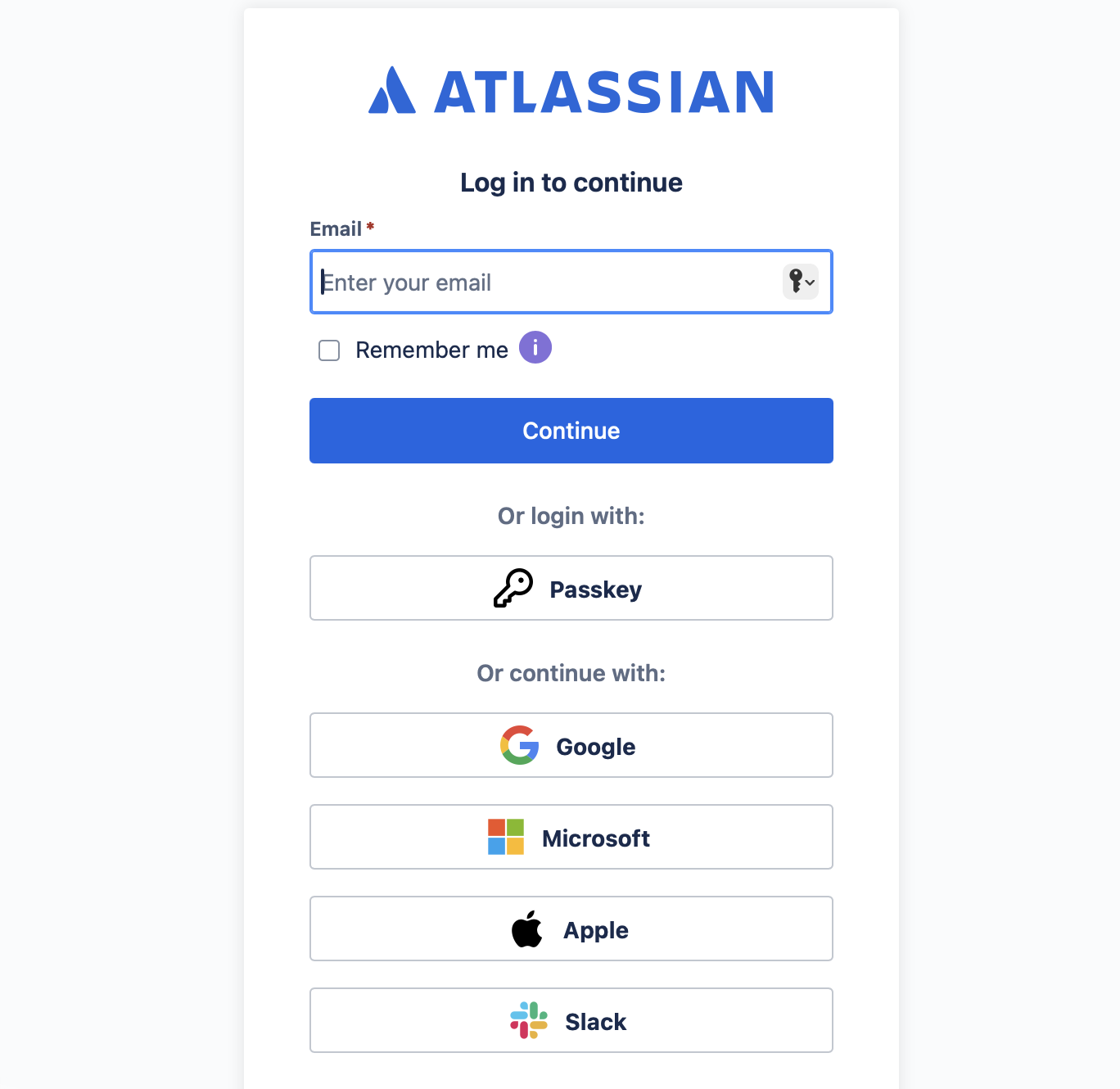
Log in to Atlassian
- Go to
https://id.atlassian.comand sign in with your Atlassian account.
Create and copy an API token
- Click your profile avatar (top right) → Account settings.
- Open the Security tab.
- In API tokens, click Create and manage API tokens.
- Click Create API token.
- Name it (e.g.,
vexly) and set Expires on to the latest possible date, then click Create. - In the "Copy your API token" modal, click Copy. Keep it safe—this is shown only once.
Finish in Vexly
- Return to the Atlassian popup in Vexly.
- Paste the API Token you copied.
- Click Add Connection.
Troubleshooting
- Token missing or copied incorrectly: Create a new API token and paste it again into Vexly.
- Permission issues: Ensure your Atlassian account has rights to create tokens for the products you're connecting.
- Expired token: Regenerate a token with a fresh expiration date and update the Vexly connection.